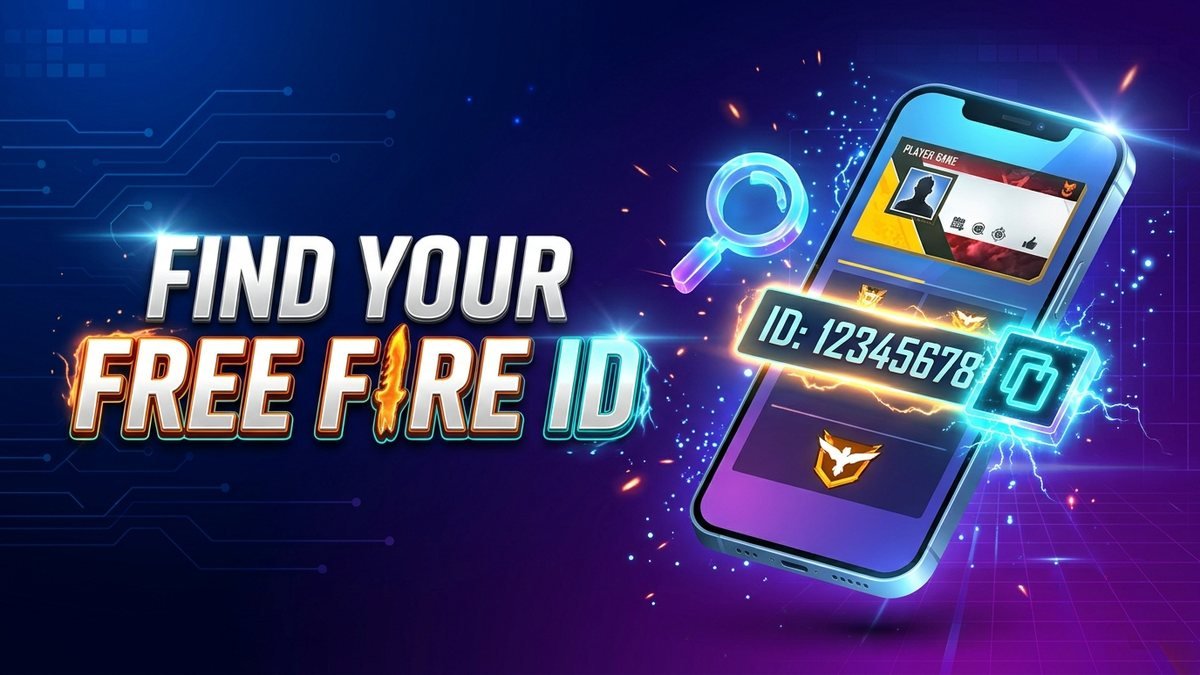
Your Free Fire ID, also called the UID or player ID, is the number Garena uses to identify your account. You need it for diamond top-ups, tournament registration, customer support tickets and for friends to add you. This guide shows exactly where to find it on Android and iPhone, how to check another player’s ID, what the number is safe for, and what you should never share.
Quick answer: Open Free Fire, tap your profile picture in the top-left corner of the lobby, and your UID is the number shown directly under your nickname (for example “ID: 1234567890”). Tap the copy icon next to it to copy the number. The UID is 8 to 12 digits, never changes, and is safe to share; your password, OTP and login email are not.
How to Check Your Free Fire ID (Android and iPhone)
- Open Free Fire and wait for the lobby to load.
- Tap your profile picture or banner in the top-left corner.
- On the profile screen, look under your in-game name. The line starting with ID: is your UID.
- Tap the small copy icon beside the number to copy it, then paste it wherever you need it.
The steps are the same on Android and iPhone, and on PC emulators the profile is in the same top-left spot. Your UID also appears on the Profile Card that you can share from the profile screen, and in the match result screen next to your name.
Free Fire ID vs Nickname: What Is the Difference?
Your nickname is the name other players see, and you can change it with a Name Change Card. Your UID is a permanent number assigned when the account was created, and it can never be changed or transferred. Two players can have identical nicknames, but no two accounts share a UID, which is why top-up sites, tournaments and Garena support always ask for the number rather than the name. If you want a stylish nickname, our Free Fire name generator builds one within the 12-character limit.
Where You Need Your Free Fire UID
- Diamond top-ups: Garena’s official top-up page and reseller sites deliver diamonds to the UID you enter, so a single wrong digit sends diamonds to a stranger. Always paste, never type. Our Pakistan top-up guide explains the safe methods.
- Tournaments: organisers verify players by UID. Our FF Rewards Hub tournaments ask for it at registration so prizes reach the correct account.
- Customer support: any ticket to Garena about a ban, a missing purchase or a hacked account needs the UID.
- Adding friends: Friends, then Add, then search by UID finds a player even if their nickname uses special characters.
- Redeem codes: the official rewards site works through your login, not the UID, which is one way to spot a fake site. See the FF Rewards redemption guide.
How to Check Another Player’s Free Fire ID
In the lobby, open Friends, tap Add Friends and type the player’s nickname; the search result shows their UID under the name. You can also tap any player’s name in the match result screen or in a squad lobby to open their profile card, where the ID is displayed. Third-party “FF ID check” websites that promise to show a player’s region, level or ban status by UID are unofficial, often inaccurate and sometimes used to collect data, so use the in-game search instead.
Is It Safe to Share Your Free Fire UID?
Yes. The UID alone cannot be used to log in to your account; it is like a phone number, not a password. What you must never share is the email, Facebook, Google or VK login linked to the account, any OTP or verification code, and screenshots of your account settings page. Scammers often ask for a “UID and OTP to send free diamonds”; the OTP is what lets them steal the account. Garena never asks for your OTP, and no genuine giveaway needs anything beyond your UID and nickname.
Common Free Fire ID Problems and Fixes
- Profile shows a different ID than before: you are logged into another account (often a guest account). Log out and sign in with the correct Facebook or Google login.
- Top-up did not arrive: check the UID you entered against your profile. If it matches, wait 15 minutes, restart the game, then contact the seller with the receipt.
- Forgot the UID of a lost account: search old top-up receipts, tournament registrations or screenshots. If you still have the linked email or social login, signing in restores the account with the same UID.
- Guest account UID: guest accounts have a UID too, but it is lost if the game is uninstalled. Link the account to Facebook or Google from Settings before anything else.
Frequently Asked Questions
How many digits is a Free Fire ID?
Most UIDs are 8 to 12 digits. Older accounts have shorter numbers; newer accounts have longer ones.
Can I change my Free Fire UID?
No. The UID is permanent. Only the nickname can be changed, using a Name Change Card.
Can I check my Free Fire ID without opening the game?
Only if you saved it somewhere, such as a top-up receipt or a tournament registration. Garena does not provide a website that shows your UID from your email.
Does the UID show my server or region?
Not directly. Your region is shown on the profile screen next to the flag icon, and it is fixed to the region the account was created in.
FF Rewards Hub is an independent fan site and is not affiliated with Garena. Never share your login details or OTP with anyone, including people claiming to be from Garena.